Free
A little company for you.
₹0 / core features
One person
- Groq chat · your API key
- Local tasks
- Solo music & local playlists
- Personal Supabase support*
✳ A small companion. A softer day.
An AI companion for your day. Music, tasks and little moments to share with your person.
Windows x64 · Free plan available · Bring your own AI keys
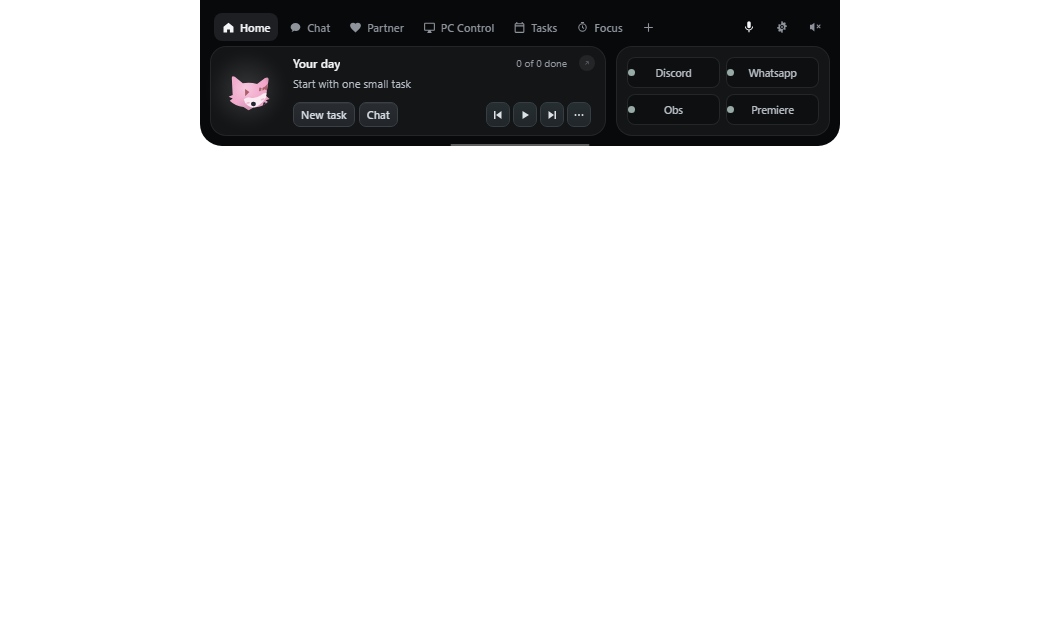
A little space on your desktop. A big part of your day.
Small window. So many possibilities.
Less jumping between things.
More room for what matters.
Talk things through with Groq chat, or use Gemini Live for voice and screen-aware help. You choose your own AI provider keys.
Groq chat on Free · Gemini Live on Pro / DuoFind your plan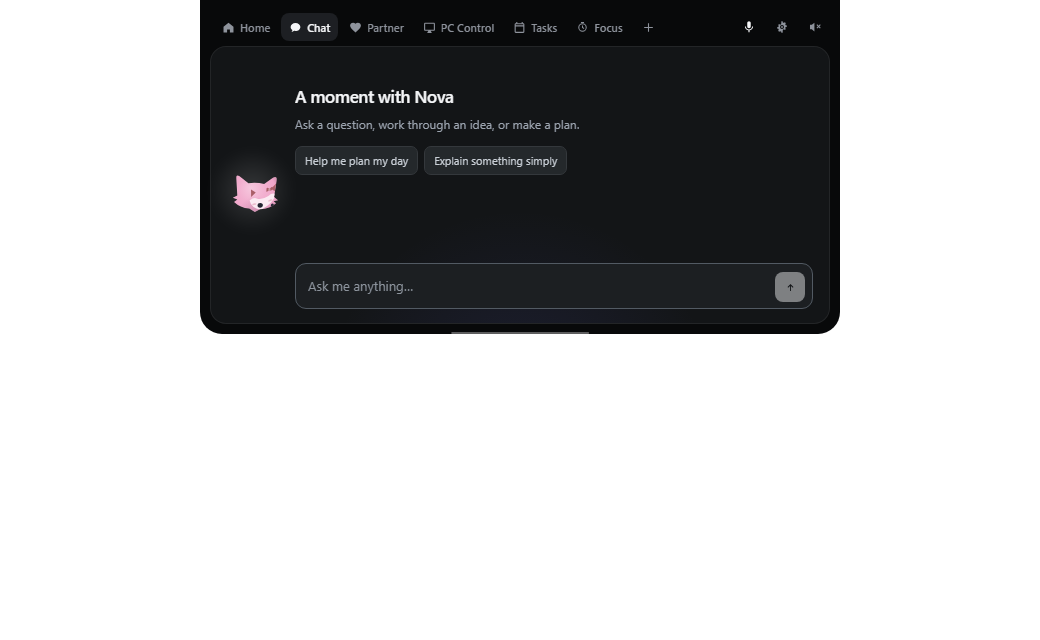
Keep local tasks close. With Pro or Duo, explore Focus, productivity tracking and Insights to understand your day.
Local tasks on Free · productivity on Pro / DuoFind your plan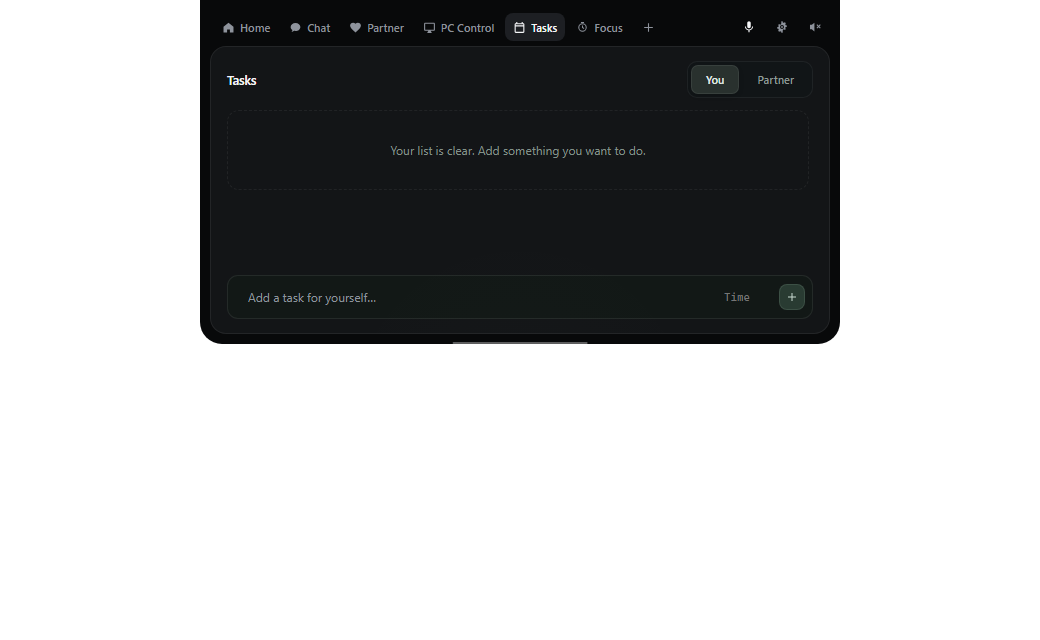
Make local playlists and listen solo for free. Join your partner with Listen Together when both of you have eligible Pro or Duo access.
Solo player on Free · Listen Together on Pro / DuoFind your plan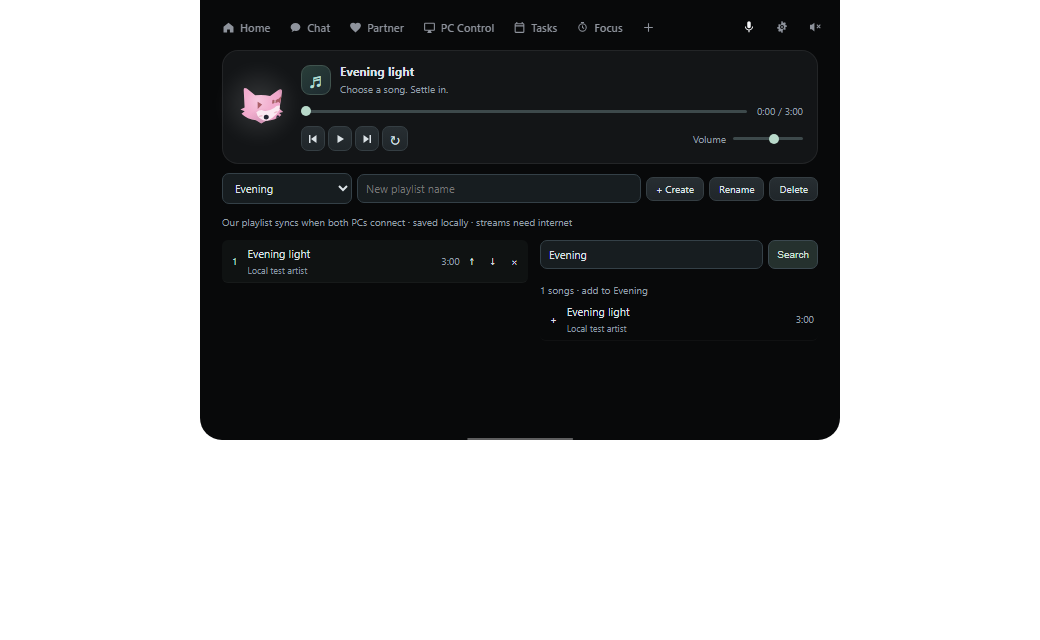
Ask for help with apps, your browser, files and desktop tasks. Remote access to your partner’s PC always starts with their permission.
PC control on Pro / DuoFind your plan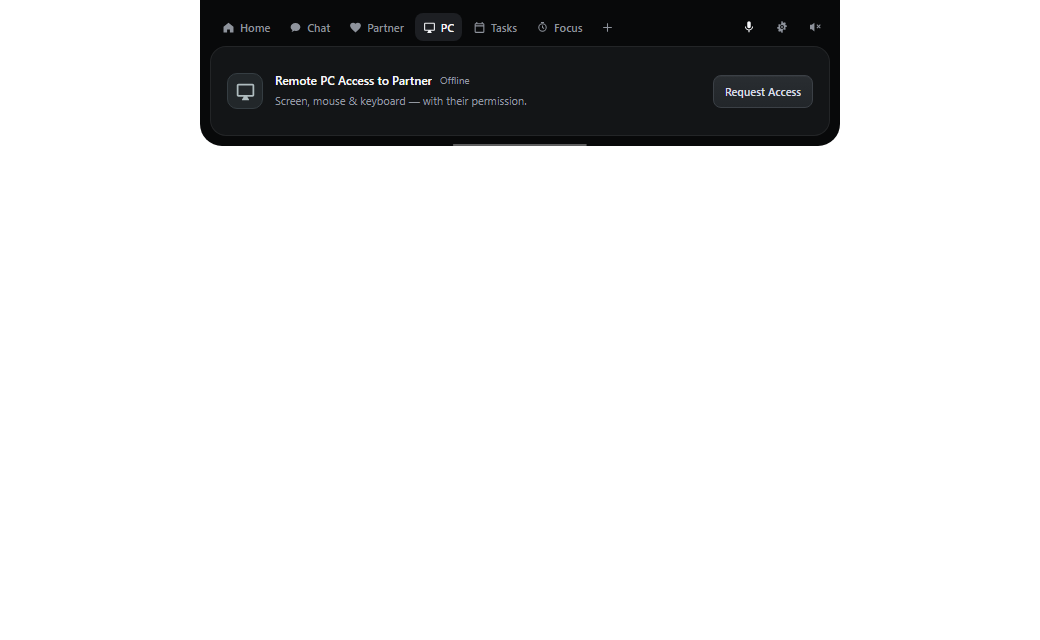
Visual demo only. No audio plays.
Different desks. A little closer.
Put on the same song. Send a small hello. Make a plan for later. Bring your everyday moments together, even from different places.
Listen Together and remote PC control need Pro / Duo access. Pairing never grants automatic PC access.
Meet your little somebody
Twenty original characters.
A colour to match your mood.
A few familiar faces. Find your favourite.
Just exploring? Make yourself at home. Your choice here previews the look; choose your companion in the app to keep it.
A little company, your way
One companion for you, or a shared everyday for two.
A little company for you.
₹0 / core features
One person
More help through your day.
₹199/ month
One person
For you and your person.
₹349/ month
Two people · one payment
Your keys. Your choice. All plans use your own AI API keys. AI provider charges are separate.
*Free partner sync uses your personal Supabase project and requires technical setup. Baymax Cloud and Listen Together require eligible paid access for both people.
A few things you might be wondering
New to companions?
Let's make it simple.
Yes. Every plan uses your own AI keys: Groq for chat and Gemini for Live features. Provider usage charges are separate from your Baymax plan.
Absolutely. Your companion, local tasks and solo music work without a partner. Connect with someone when you want to share more of your day.
One person starts a listening session and the other joins. Both need eligible access: two Pro memberships or the two assigned seats in one Duo membership. Streaming needs internet; some networks may limit direct connections.
No. Pairing is separate from remote access. Your partner must request access and you must accept before a remote session starts.
Groq chat with your key, local tasks, solo music and local playlists. Free partner sync uses a personal Supabase project and requires technical setup; Baymax Cloud is a paid feature.
The current installer is for Windows x64. A macOS, Linux or mobile app is not included in this release.
In the Windows app. Sign in, choose your username, then open Settings → Plans & Membership. Review the final price, taxes and renewal terms before paying.
Personal Supabase support is intended for people comfortable with technical setup. Automatic setup and switching are still being validated. Paid pairs can use Baymax Cloud without setting up a personal project.
See you on your desktop
Windows x64 · Your next little companion awaits